Save from anywhere
Use the Share Sheet on iPhone and iPad to pick a collection as you save. On Mac, Quick Save adds the item in one step.

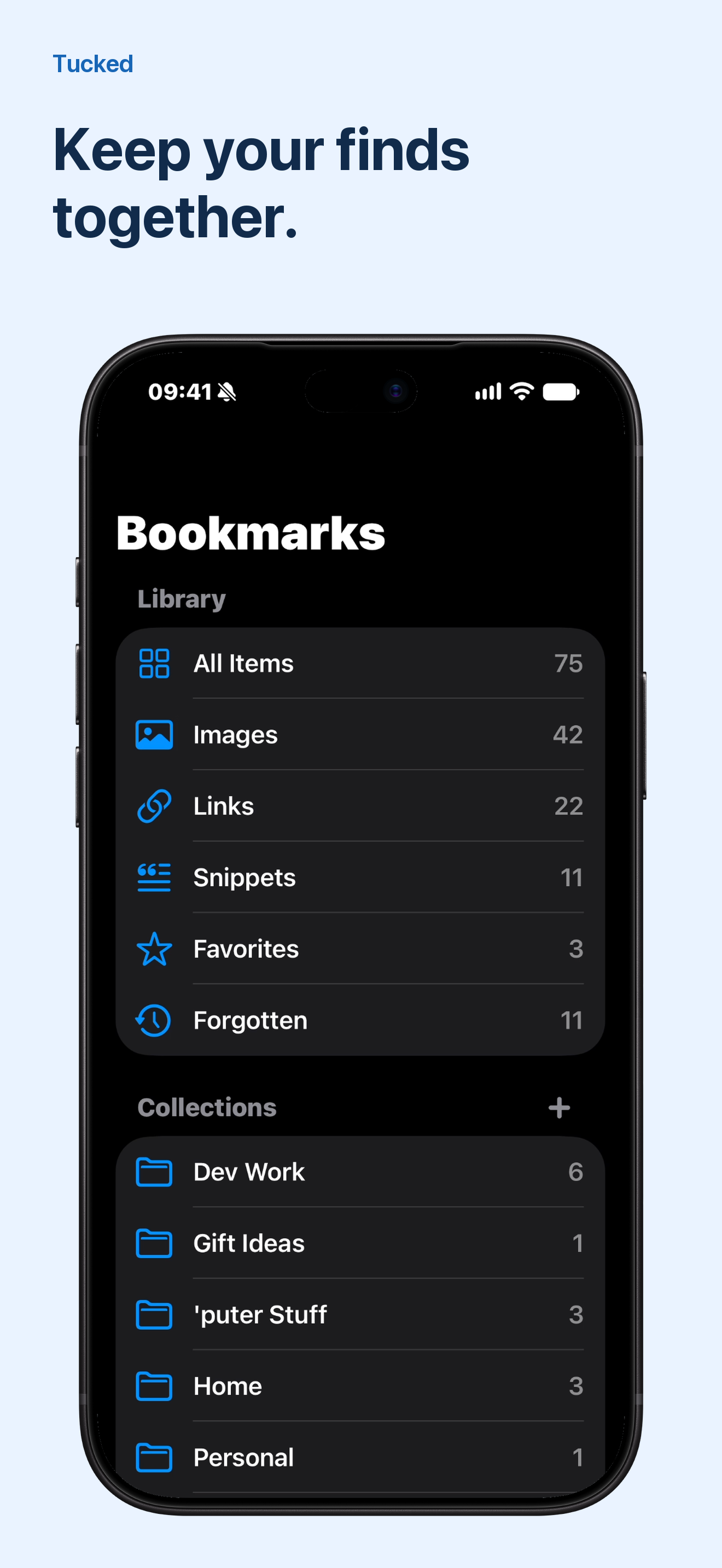
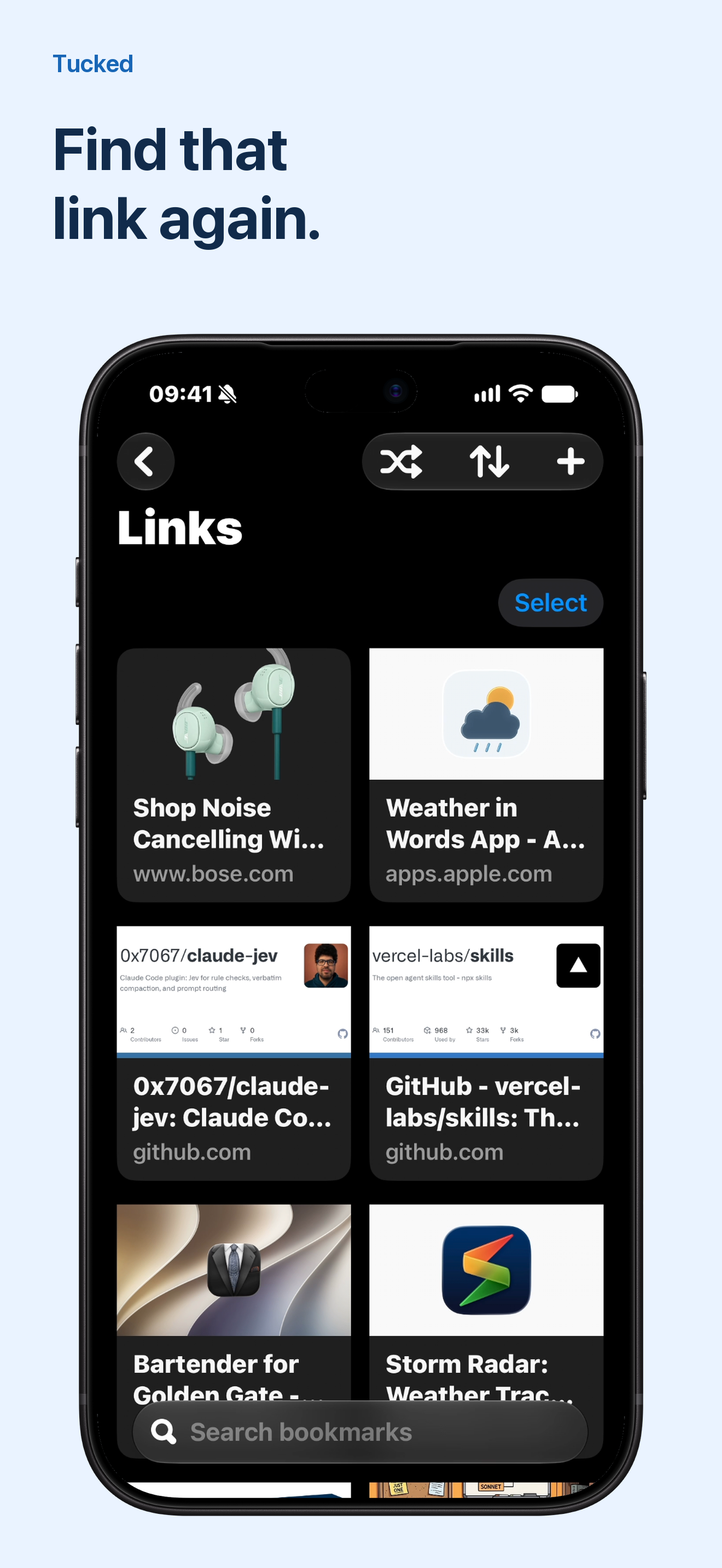
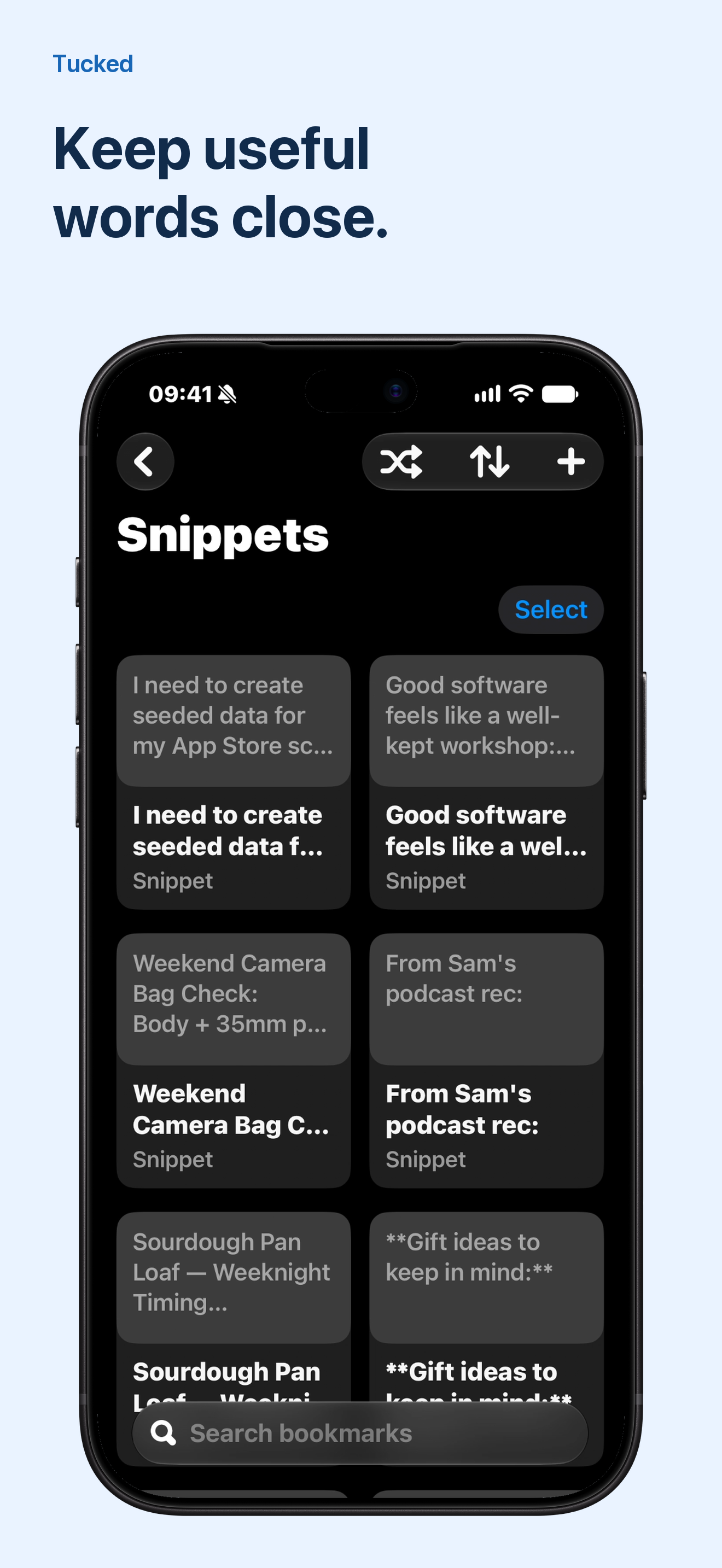
Keep links, screenshots, and text snippets in one visual library, and rediscover the saves you never opened.
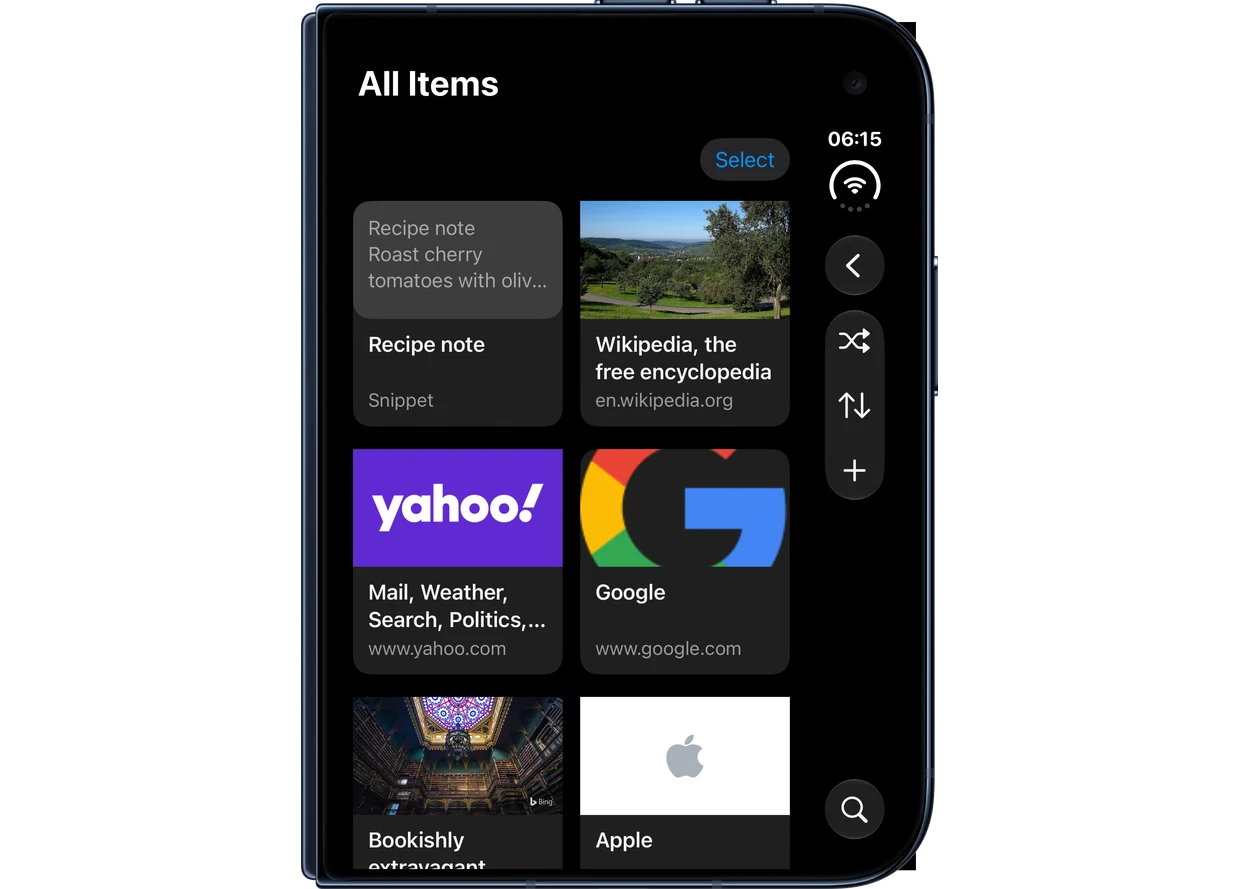
How the work moves
Use the Share Sheet on iPhone and iPad to pick a collection as you save. On Mac, Quick Save adds the item in one step.
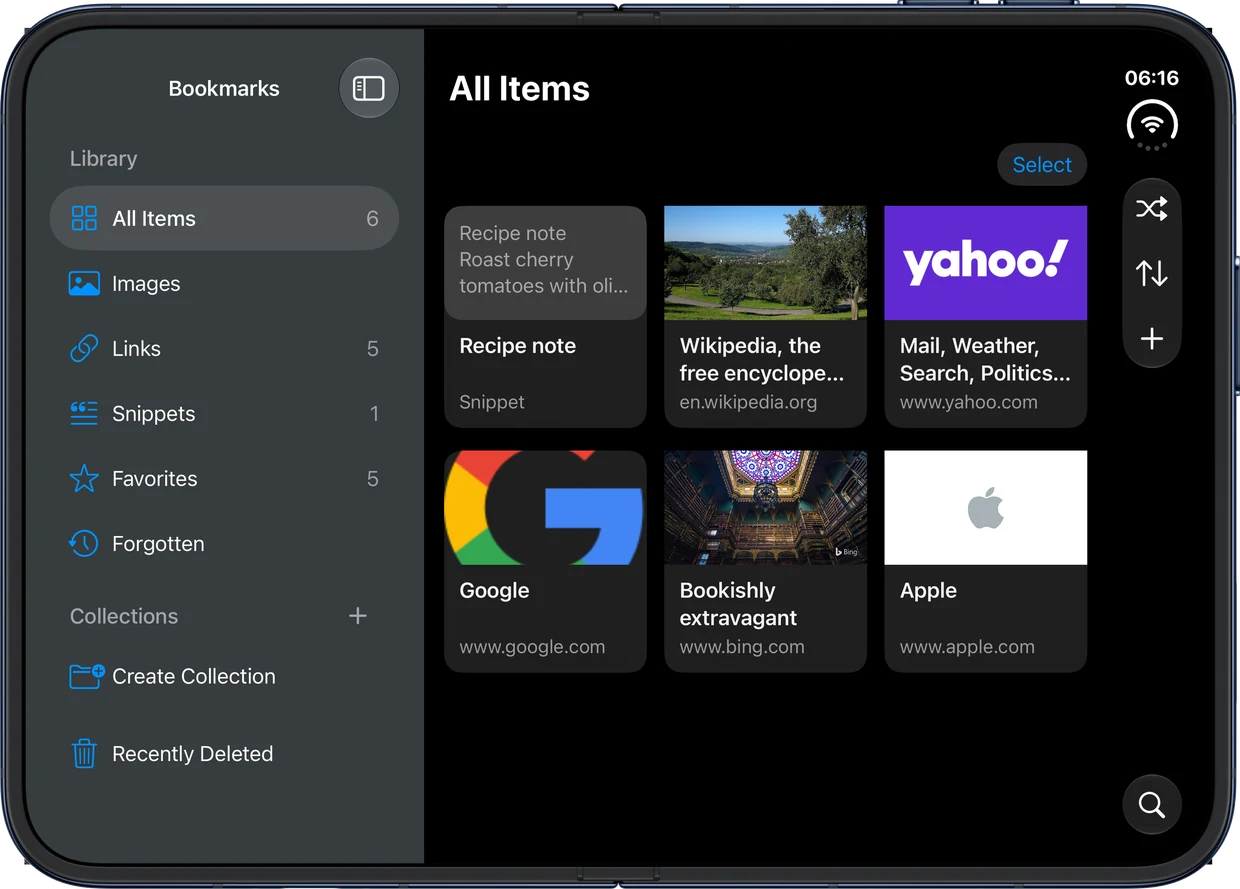
Each item lives in one collection or none, plus Favorites. Filter by links, images, or snippets, and search across all of it.
Forgotten shows saves older than 30 days that you never opened. Surprise me opens a random item from the current view.
Recently shipped
Share selected text on iPhone, iPad, or Mac to save it with its formatting and source link when available. On Mac, jump to Search, Links, Images, or Snippets from the menu bar. This release also refreshes library cards and improves scrolling, window resizing, and large-text layouts.
Buy or restore Tucked for Life on iPhone and iPad directly from Settings. When you reach the free limit, the Share Sheet explains why you can’t save another item.
On iPhone and iPad, the ten-save limit only applies once Tucked for Life is available to buy. Items already saved remain in your library and can still be edited or shared.
Save links, images, and text snippets on iPhone and iPad. Organize with Collections and Favorites, rediscover old saves with Forgotten and Surprise me, and export your library anytime. Save 10 items free, or unlock unlimited saves with Tucked for Life, a one-time purchase.