Your day,
down to the second.

Elapse(D) tracks what remains in your day in real time — with dynamic gradient themes, sunrise and sunset, moon phase, and a Live Activity that never leaves your Lock Screen.
Free · iPhone · 5 languages
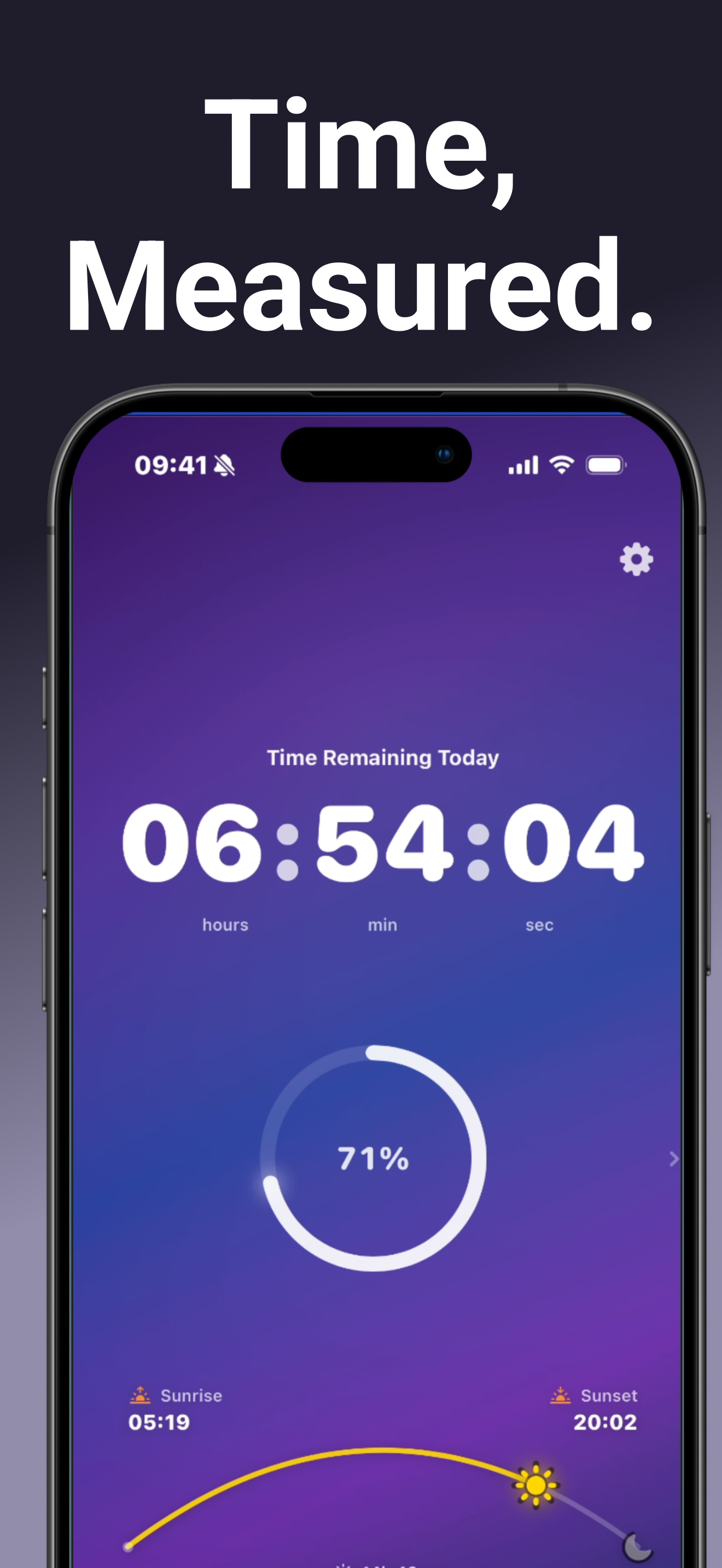
Elapse(D) main screen showing 04:32:46 remaining with Nebula gradient theme and progress bar
Progress

Pick your style

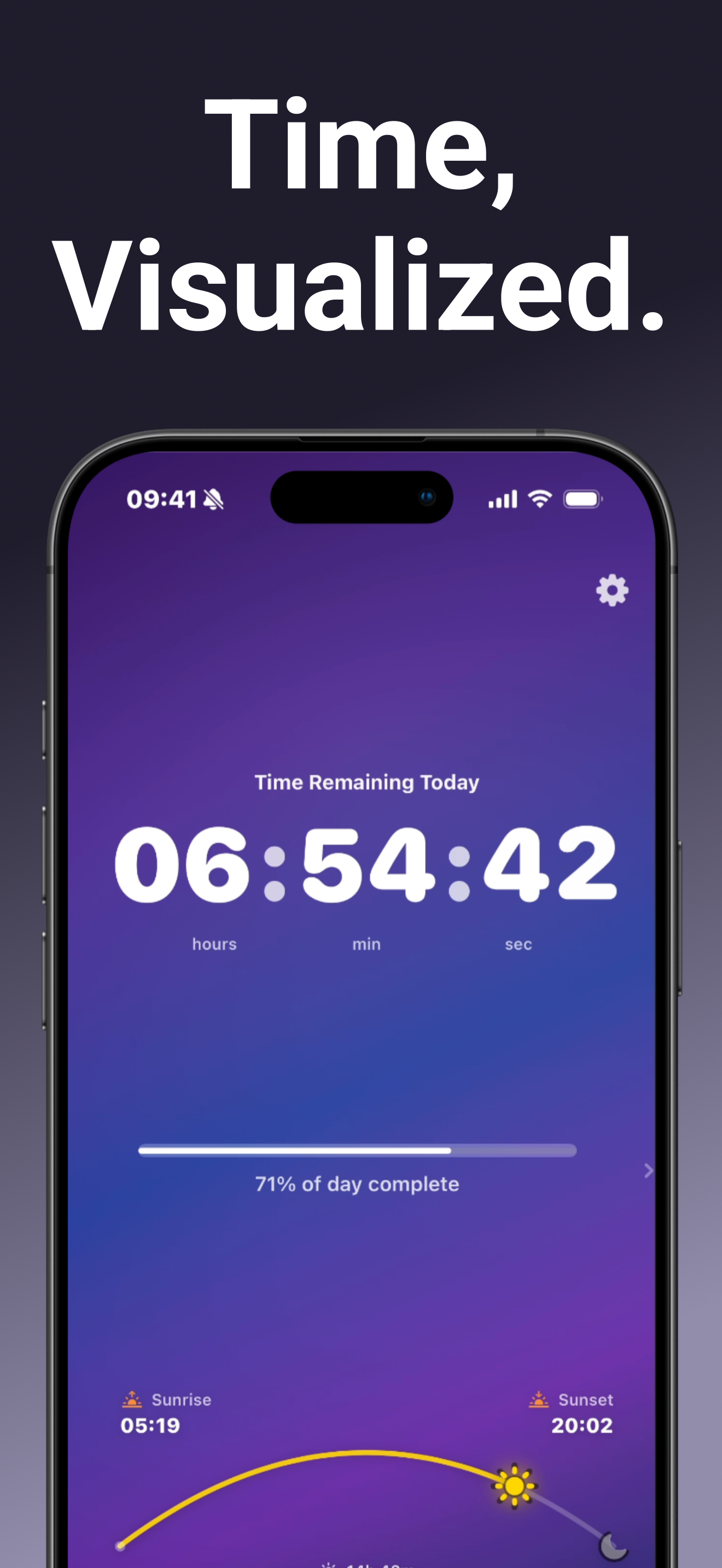
Swipe between three ways to read your day: a capsule progress bar, an Activity Ring‑style radial arc, or a 144‑dot grid where each dot represents a 10‑minute block. Your choice is remembered across launches.
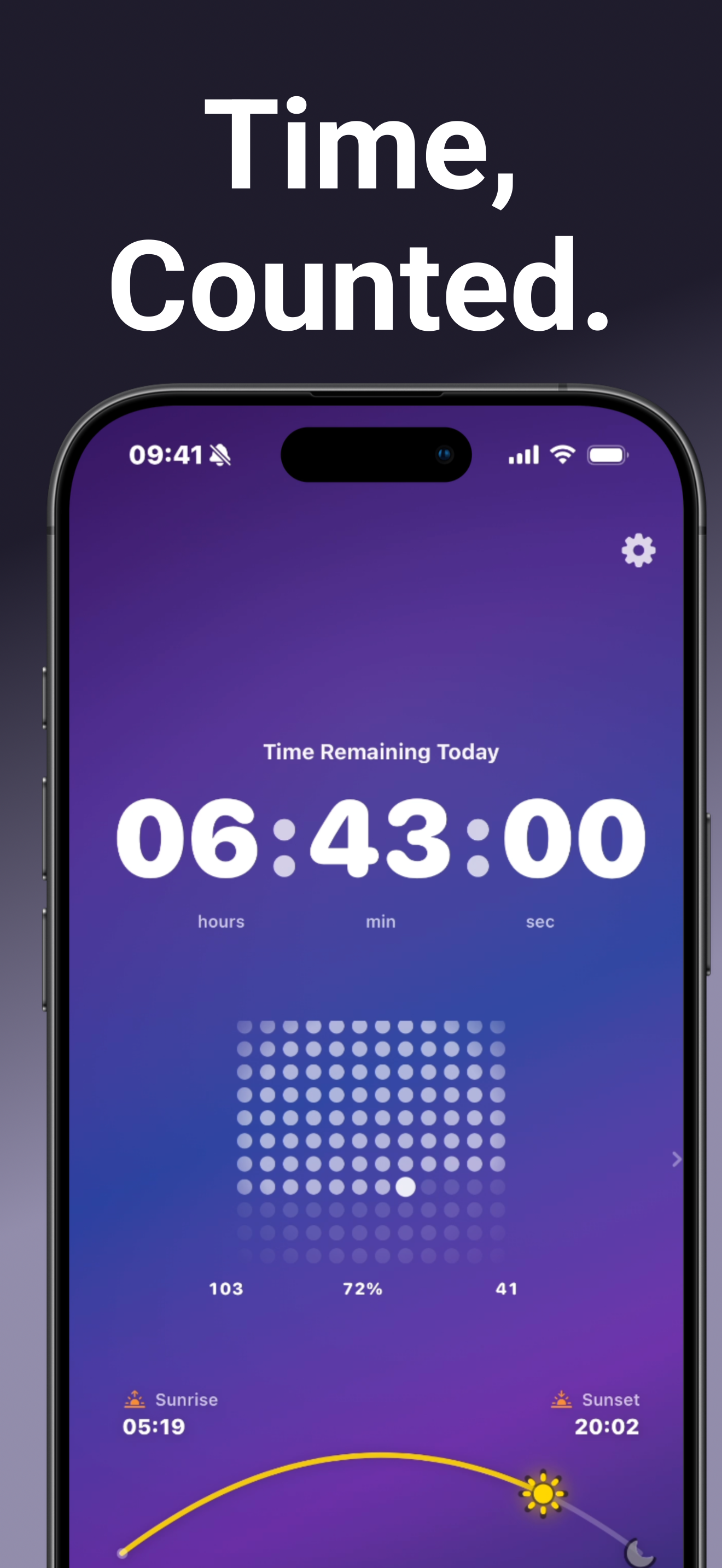
Dot matrix visualization showing 144 dots on a dark background with time remaining
Live Activities

Without opening the app

The countdown runs on your Lock Screen and lives in the Dynamic Island. Check how much time is left without unlocking — it's just there.
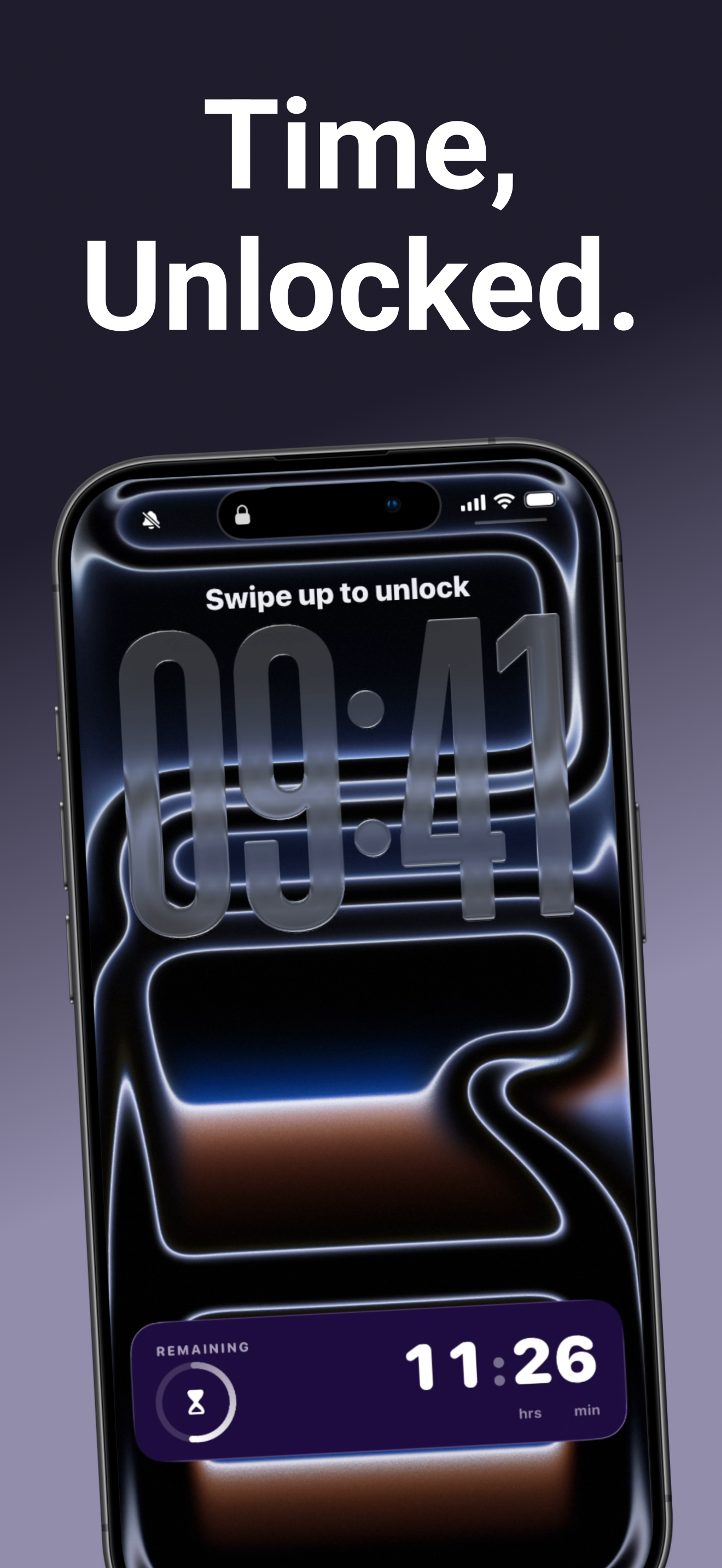
Lock Screen showing Live Activity with 11:26 remaining in the Dynamic Island
Themes & Solar

Eight themes. One that fits right now.

Gradients shift across eight themes — Daylight Gradient, Midday, Sunset, Nebula, Dawn, Twilight, Minimal Dark, and High Contrast. The info bar shows accurate sunrise and sunset times from your location, plus remaining daylight.
Elapse(D) with light blue Daylight theme and radial arc at 52% with sunrise and sunset times
Lunar & Solar Facts

Long-press for perspective

After dark, the info bar switches to the current moon phase — actual icon and name. Long-press anywhere on the bar to surface a solar or lunar fact. Fifteen of each, localized in all five supported languages.
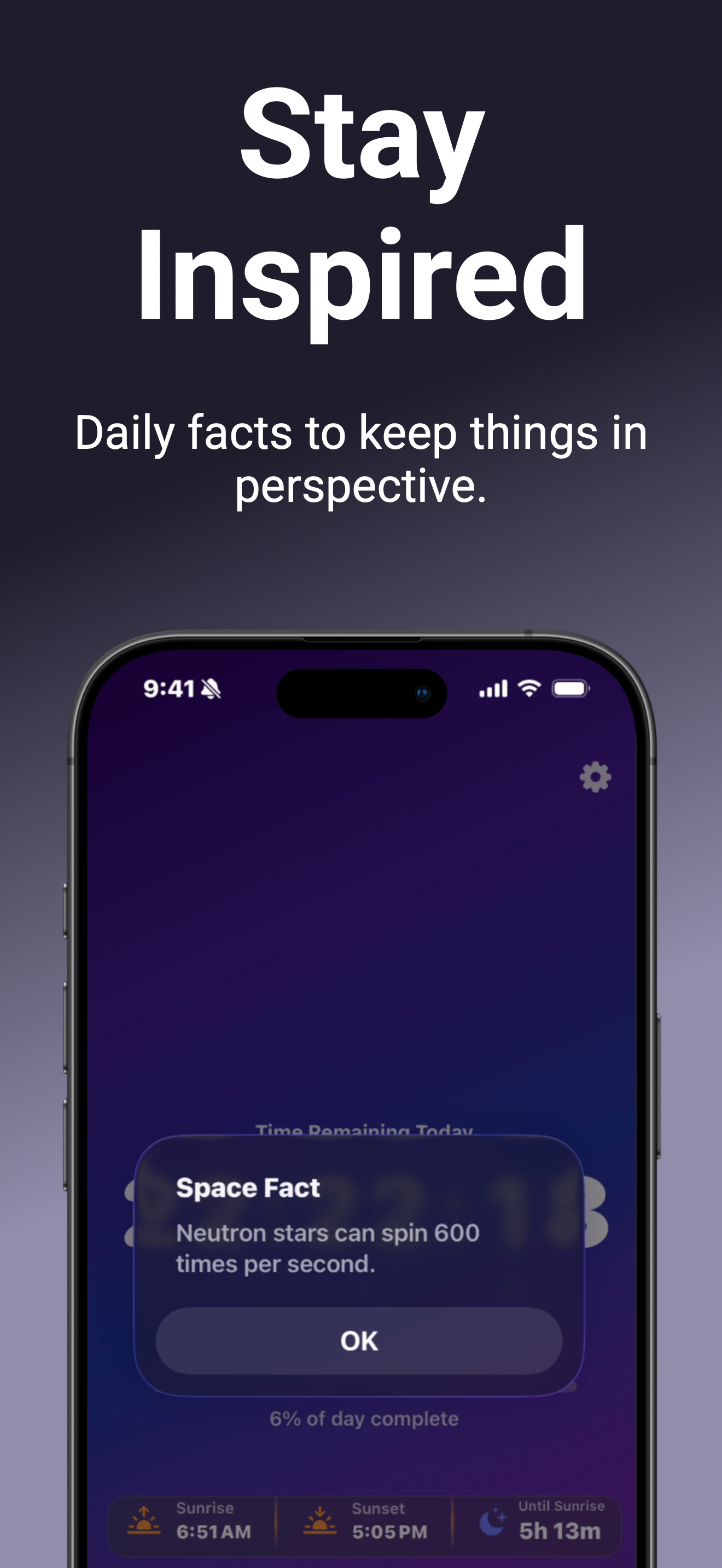
Fun fact modal on Elapse(D) showing a solar fact with the countdown visible behind it
Ambient Mode

Just the number

Tap the clock to clear everything — no gradient, no info bar, no controls. The countdown on black. Good for a desk display or when you want the time without the context.
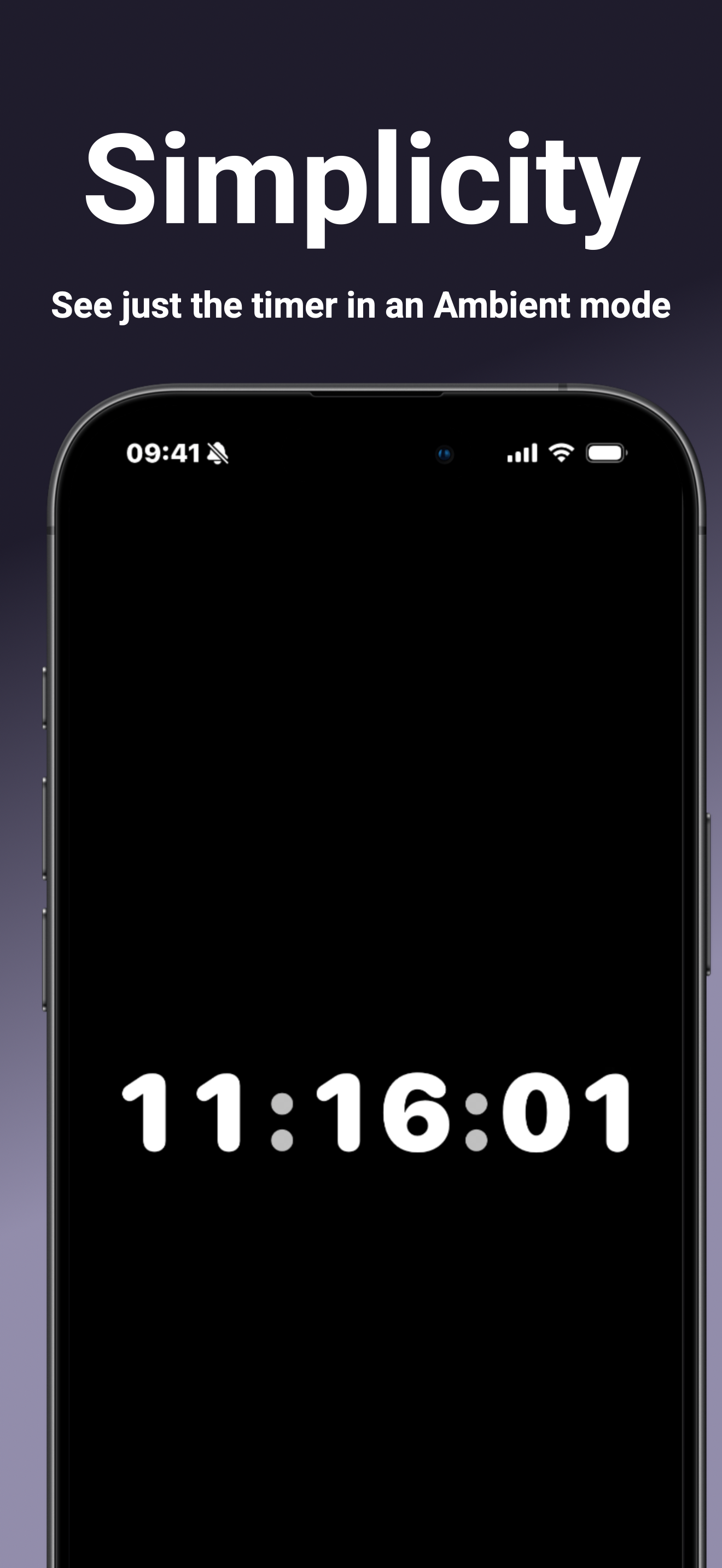
Ambient mode showing 11:16:01 in white on a pure black screen

What's New

Celestial Arc & Virtual Time Sync
v2.0
May 2026
  • Celestial Arc — a live arc shows where the sun or moon sits in its daily path, replacing the flat info bar. The moon marker uses your current phase icon.
  • Virtual Time Sync — pick a city to shift the countdown, gradient, arc, and time labels to that timezone.
  • Solar accuracy fix for half-hour UTC offsets (India Standard Time, Newfoundland, and others).
Moon Phase & Lunar Facts
v1.9.5
April 2026
  • Moon phase display — nighttime info bar shows the actual moon phase icon and name.
  • 15 lunar facts alongside 15 solar facts, localized in all five languages.
  • Space facts retired in favor of the tighter solar + lunar set.
Swipeable Progress Visualizations
v1.9
April 2026
  • Three visualization styles — capsule bar, radial arc, and dot matrix.
  • Swipe or use the chevron to cycle between them. Your choice persists.
Dawn & Twilight Themes, Solar Facts
v1.8
March 2026
  • Two new themes: Dawn and Twilight. Dynamic mode now spans 6 themes across 4-hour blocks.
  • Solar fun facts on long-press, localized in all five languages.
  • Widget and Live Activity localization improvements.