Scan it.
List it. Shop.

AisleWise turns your camera into a shopping list. Scan barcodes to add items instantly, track spending across stores, and swipe through your list — all features free.

Free, all features unlocked · iPhone · No account required
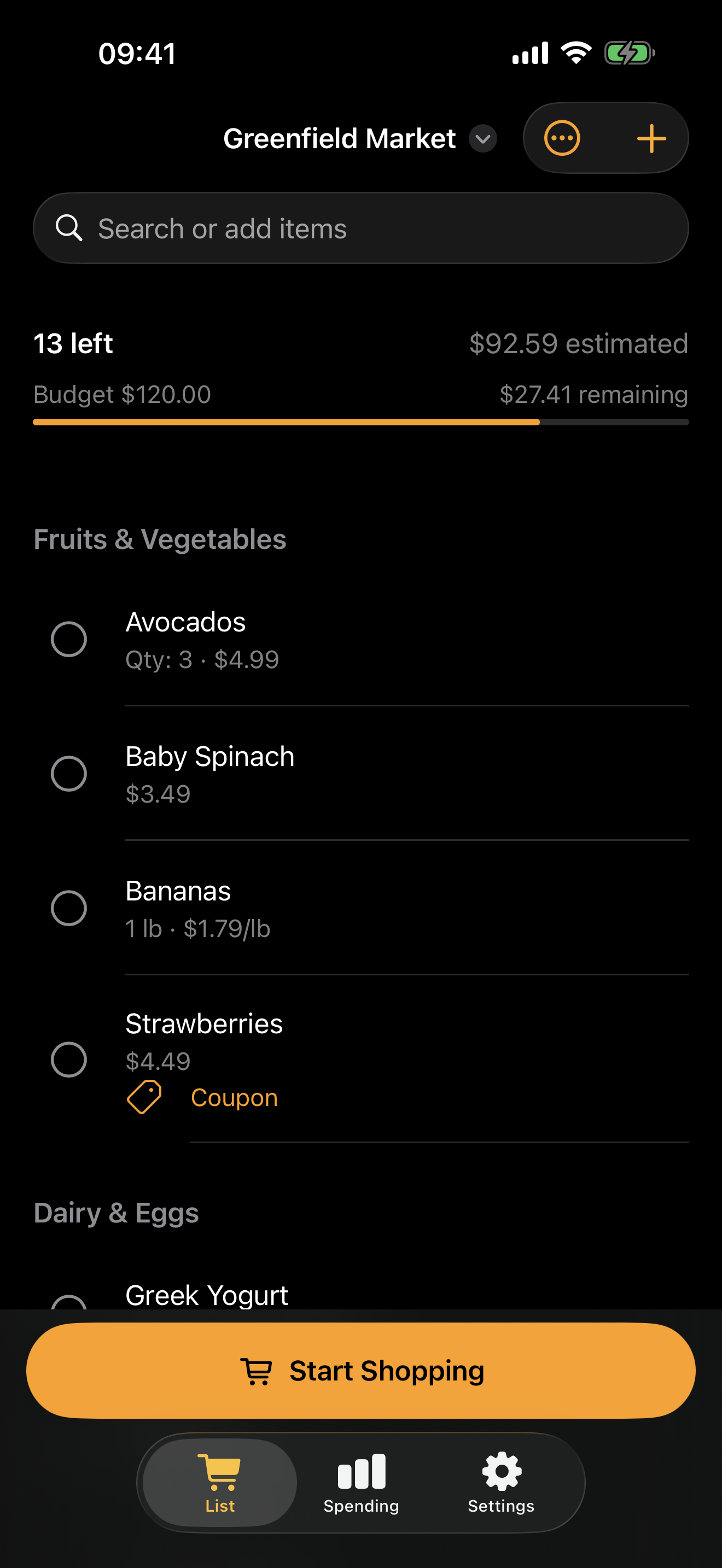
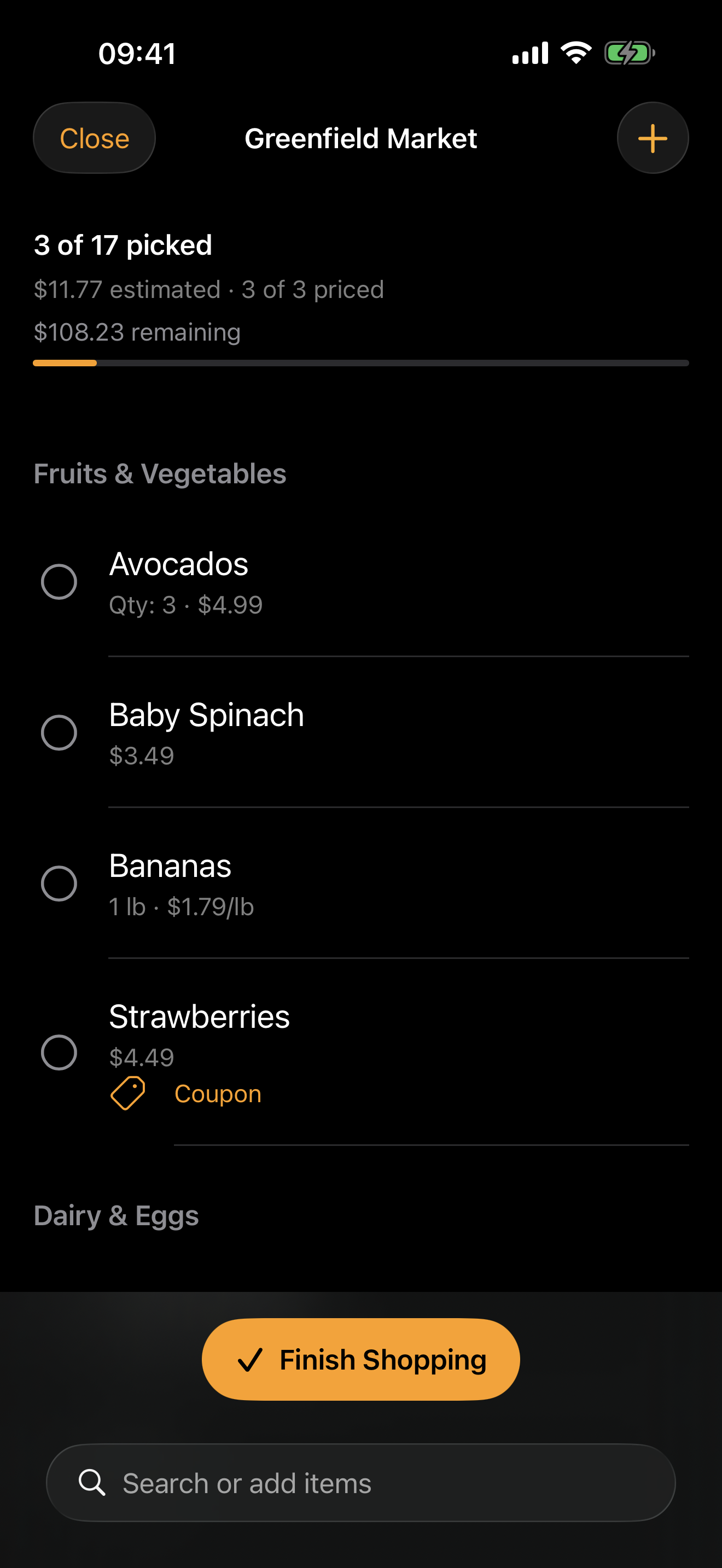
AisleWise main list view with store tabs and shopping items
Organization

One App, Every Store

Separate lists for each store with item counts, budgets, and spend totals visible at a glance. Switch stores in a tap. Items remember their details across all of them.

AisleWise store tabs showing My Store and Costco
Categories

11 Built-In Categories

Fruits & Vegetables, Dairy, Snacks, Frozen — items sort themselves. Barcode scans auto-map to the right category. Override with a tap before adding.

Fruits and Vegetables category with item list
Scanner

Full-Screen Barcode Scanner

The camera fills the screen. Scan a barcode, fill in details on the card that slides up, and keep scanning — the camera stays live for rapid back-to-back adds.

Full-screen barcode scanner with add item card
Search

Find Anything, Fast

Search across items and stores. Browse by category with item counts. Everything you've added is a search away — no scrolling through long lists.

Search results and category browser
Spending

Know Where the Money Goes

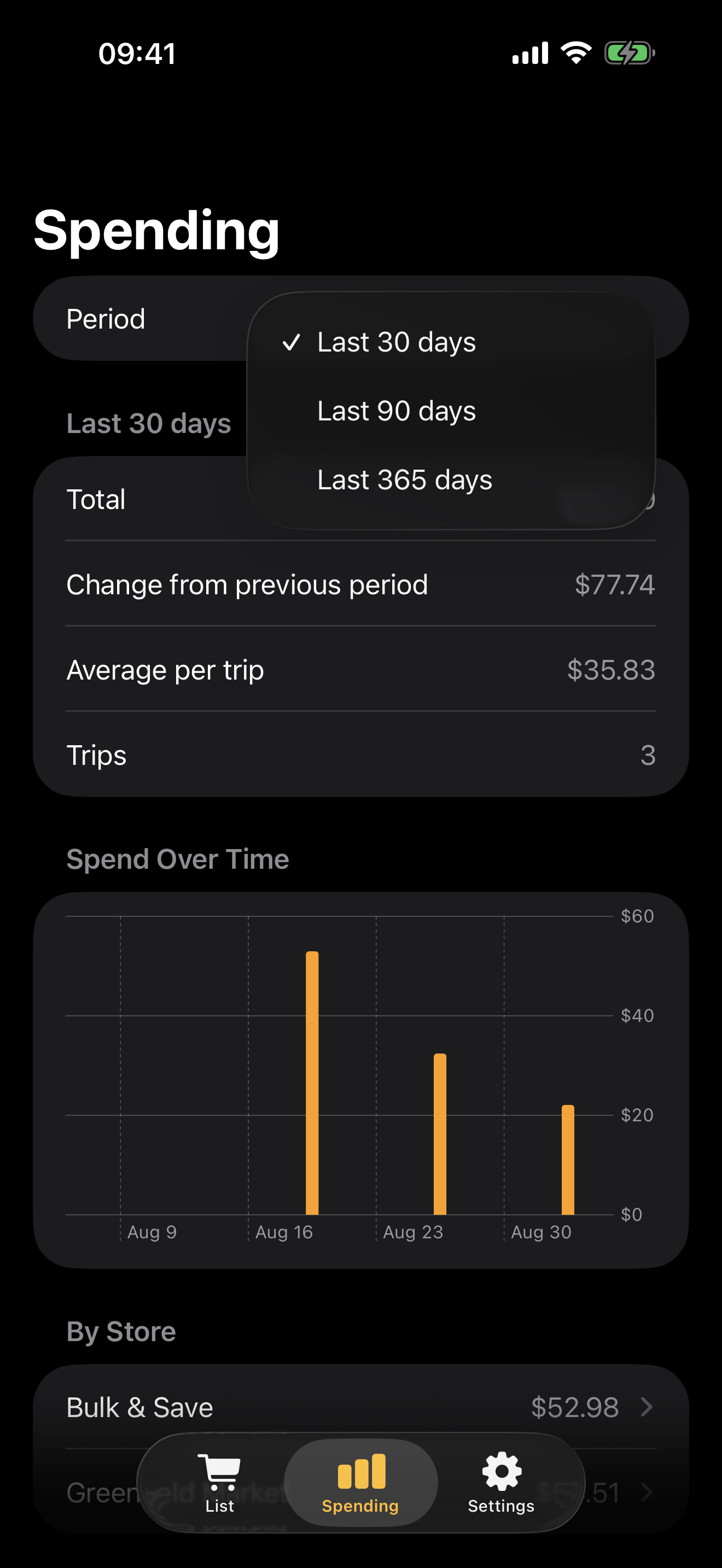
Spend-by-category donut chart, per-store totals, and a running total across all your lists. One glance tells you what you're spending and where.

Summary tab with spending donut chart and per-store totals
Budgets

Budgets & Recent Prices

Set a budget per store and watch the progress bar fill. Recent Prices tracks what you paid and when — so you always know if that deal is actually a deal.

Budget progress bars and recent price history

What's New

Siri Shortcuts & App Intents
v1.7
May 2026
  • Add Item, Check Off, Show List, Get Remaining Items, Get Spending Summary, and Clear Checked — all from Siri, Shortcuts, or the Action button
  • Remaining Items snippet for a clean count plus vertical list
  • Lists stay in sync after a Shortcut runs in the background
Swipe Gestures & Full-Screen Scanner
v1.6
April 2026
  • Swipe right to check, left to delete, tap to edit
  • Full-screen scanner — camera fills the screen, add card slides up on scan
  • Edit view condensed with stepper, $ prefix, and unit suffix
Now Completely Free
April 2026
  • Paywall removed — every feature is now free
  • Themes, Price Book, Smart Sort, Templates, CSV Export, Budgets, and Backup unlocked for everyone
  • Tip Jar stays as the optional way to support development